Extract Outlines
Emphasize subject edges to study form and composition.
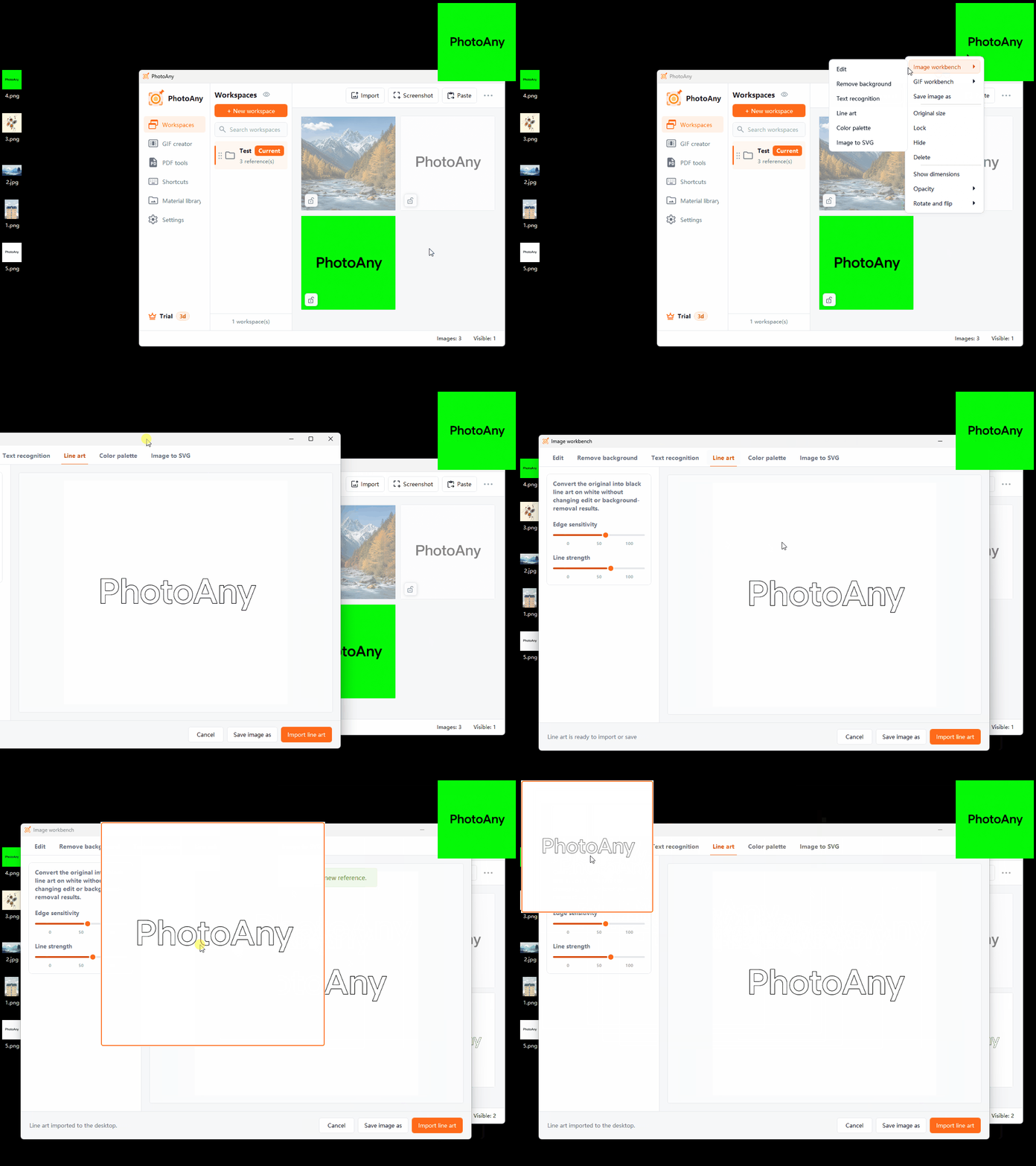
Extract subject outlines and structural lines from a reference, reducing preparation before manual tracing. Keep the result in the desktop workspace as a drawing and tracing reference.
Key Capabilities
Emphasize subject edges to study form and composition.
Choose a line result that better suits the image and your reference needs.
Keep the original and line art together on the desktop for side-by-side creation.
How It Works
Select an image in the workspace whose outlines you want to extract.
Open the line-art tool and preview the result.
Import a satisfactory result into the workspace or save it locally.
Frequently Asked Questions
Images with clear subjects and edges are usually more reliable; low clarity or complex textures can create fragmented lines.
Yes. Save or import the result into the workspace, then continue with other image tools.
No. Line art is better for studying outlines, while SVG conversion outputs vector paths.
More Features