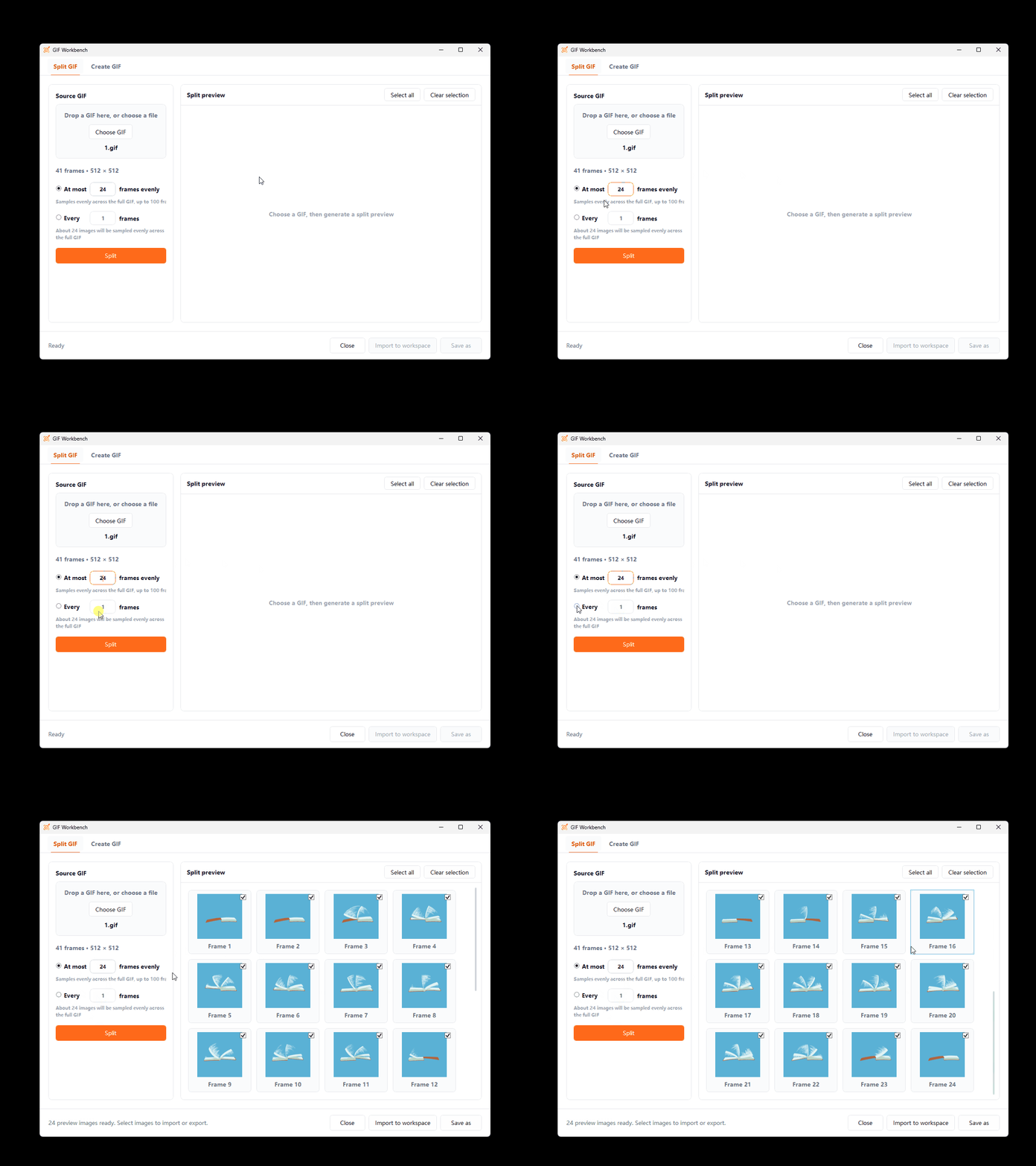
Split by Count or Interval
Sample frames evenly up to a maximum count or create images at a fixed frame interval.
Split a GIF into frames, combine images into a GIF, or create one from a sprite sheet in the Workbench. ZIP filenames include the save time for easier organization.
Key Capabilities
Sample frames evenly up to a maximum count or create images at a fixed frame interval.
The Workbench uses only selected images. Edit tile size, frame timing, and loop settings before you start.
Reorder images and set playback options to create an animation. Batch results are validated and saved with timestamped filenames.
How It Works
Drop in a GIF to split it or select multiple images to combine.
Set the frame count, interval, or animation playback options.
Preview results, then import them into the workspace, save split frames as a ZIP, or save the combined result as a GIF.
Frequently Asked Questions
No. Maximum-frame splitting samples no more than the specified number of frames evenly from the source animation.
Yes. Save As packages the selected split images into a ZIP file.
Yes. After generation, preview it, import it into the workspace, or save it as a GIF.
More Features