Edit Anytime
Edit text directly so notes can evolve with the current task.
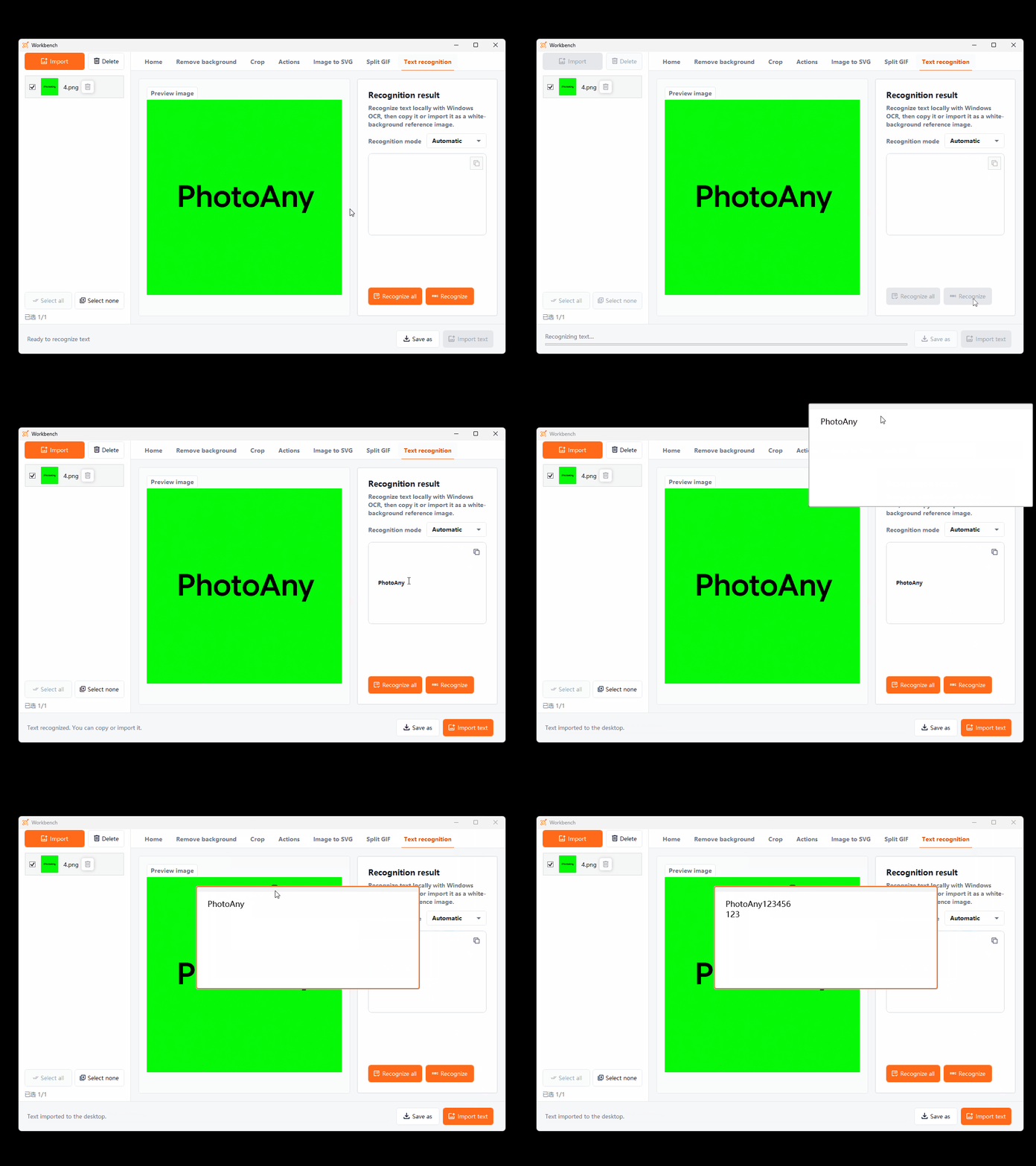
Create editable text references beside images and keep prompts, color values, dimensions, notes, and OCR results on the desktop. Reduce switching between notes and creative software.
Key Capabilities
Edit text directly so notes can evolve with the current task.
Place text prompts beside references to preserve creative context.
Turn recognized image text directly into an editable text box.
How It Works
Create a new desktop text box from the workspace tools.
Enter prompts, notes, parameters, or paste OCR results.
Drag the text box into place and use it beside references.
Frequently Asked Questions
Yes. Desktop text boxes store text references that you can edit anytime.
Yes. After recognizing text in an image, import the result as an editable text box.
Keep prompts, color values, dimensions, client feedback, instructions, or any text that needs to remain visible.
More Features