Vectorize Outlines
Generate scalable SVG paths from image edges.
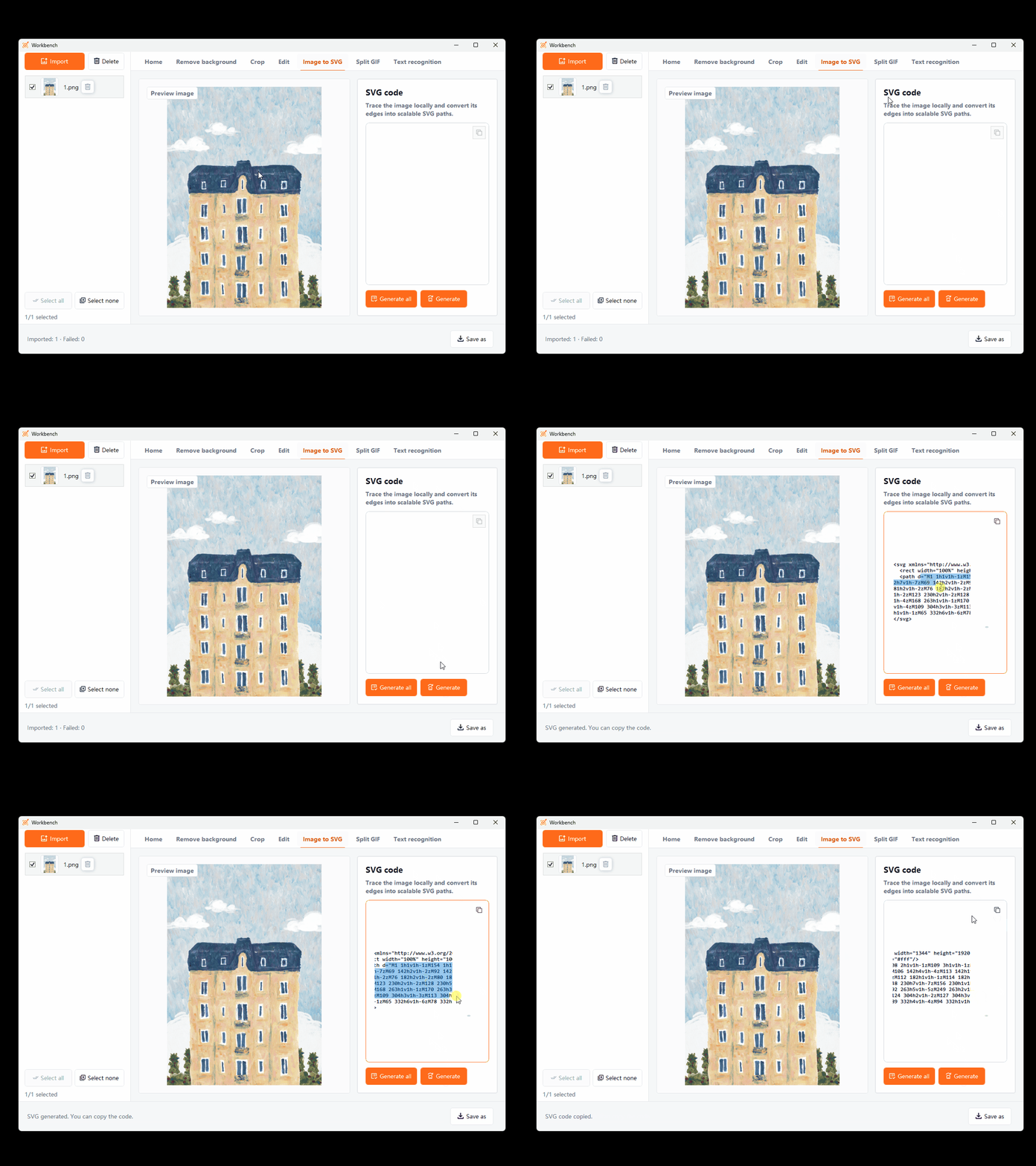
Convert the main outlines in an image into SVG vector paths that can be scaled, edited, and used in design workflows. Best for clear icons, logos, and outline assets.
Key Capabilities
Generate scalable SVG paths from image edges.
Vector results stay sharp at different sizes for continued use.
Save the result as an SVG file for continued design and editing.
How It Works
Choose an image with clear outlines and distinct color relationships.
Open the SVG conversion tool and preview the vector result.
Save the SVG, then continue working in software that supports vector formats.
Frequently Asked Questions
Complex photos create many paths. Icons, logos, line art, and images with clear color blocks are usually better candidates.
SVG paths scale freely, but the final appearance still depends on the quality of the converted paths.
Line art emphasizes viewing image outlines, while SVG conversion creates vector paths that can be saved and edited.
More Features